¶ ShipStation Setup for HotLabel
Please follow the steps below to update your ShipStation document settings to 4 x 6.
¶ 1. Click on the Settings gear icon in the top right corner.

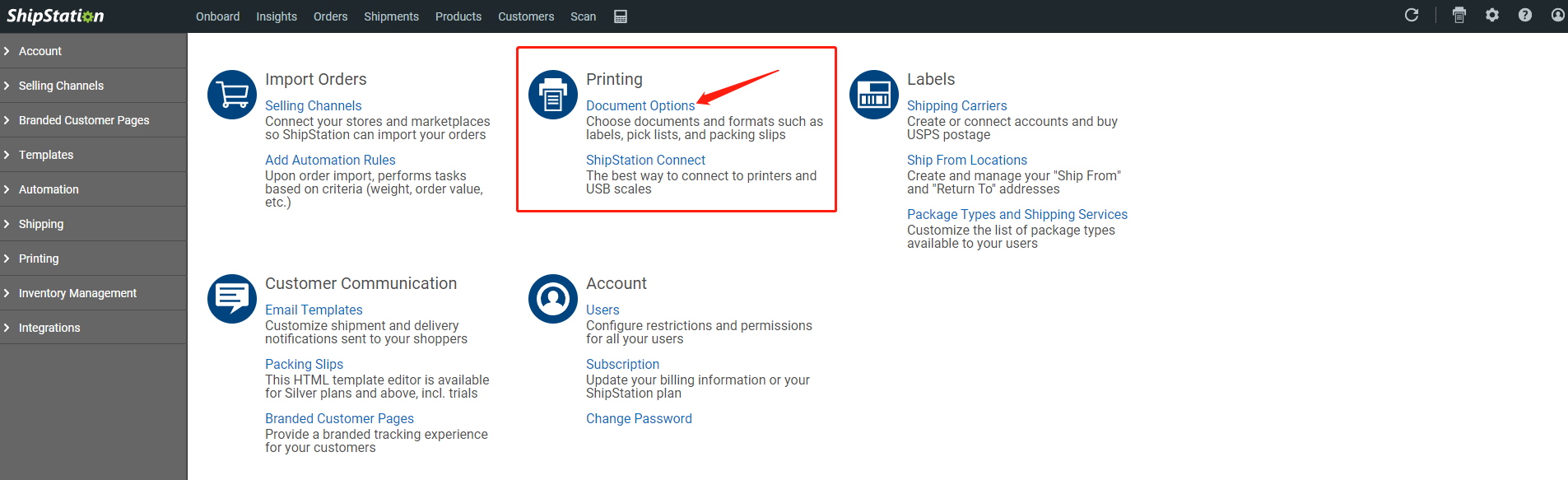
¶ 2. Choose the Document Options.
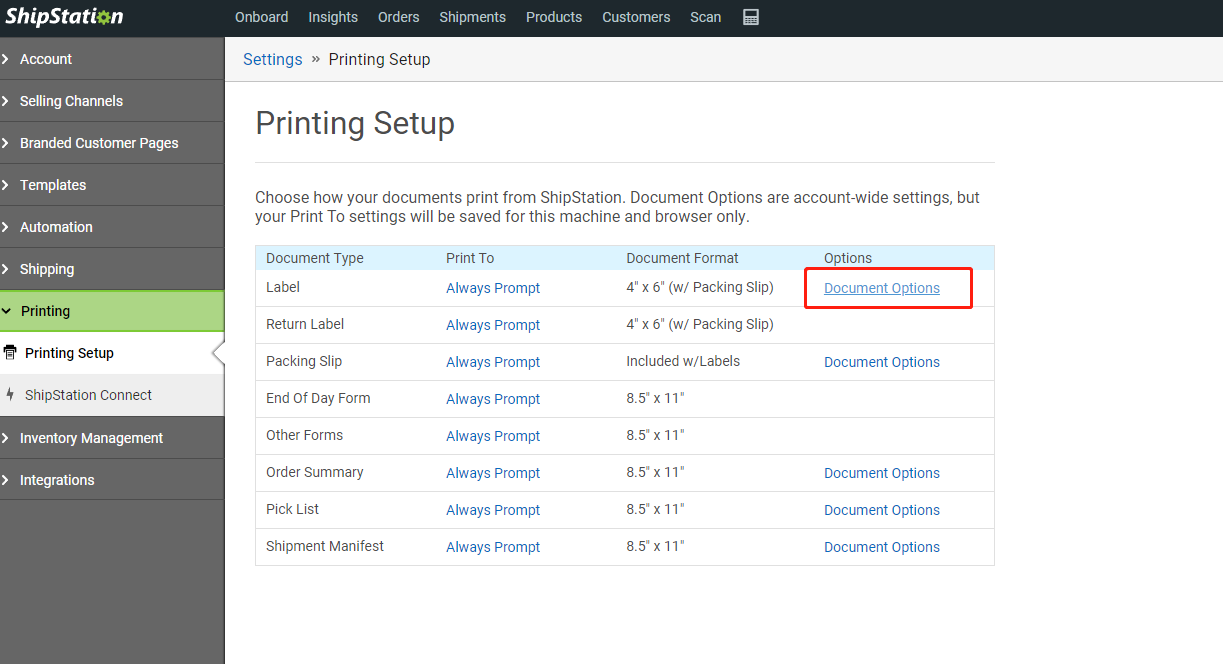
¶ 3. Click on the "Document Options" next to the "Labels."
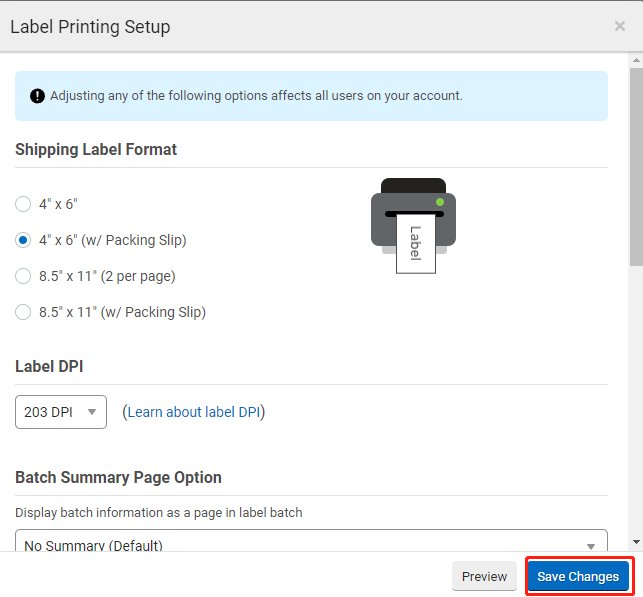
¶ 4. Choose 4" x 6" or 4" x 6" (w/ Packing Slip) and click Save.