
Home › Fix a problem
Error 0x80040004 — "unexpected configuration problem
This Windows error appears when the app you're printing from doesn't support thermal printers. Print from a different app.
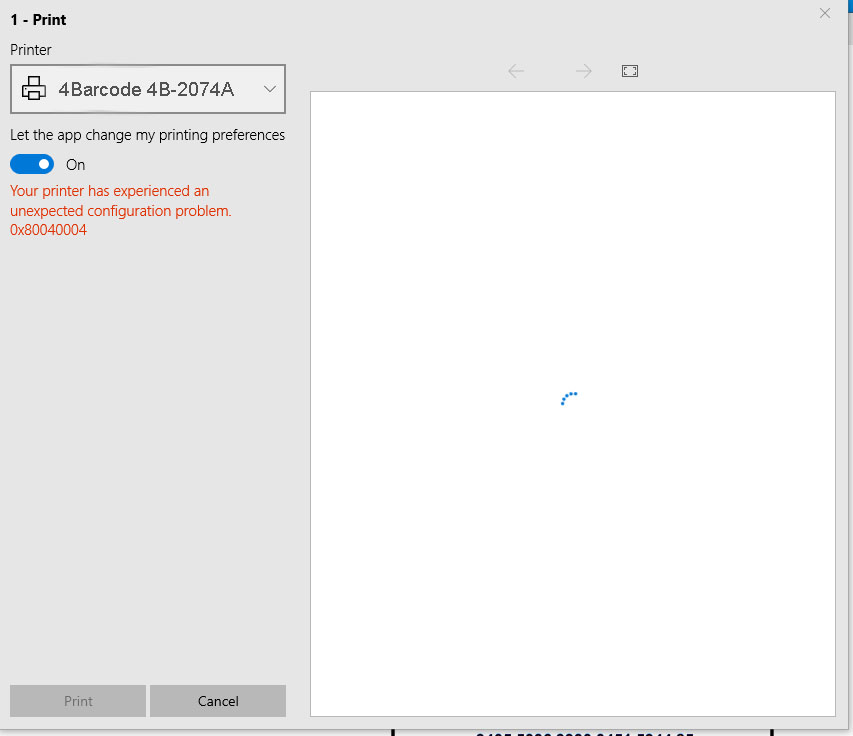
"Your printer has experienced an unexpected configuration problem. 0x80040004" comes from the Windows Photos app and a few other Microsoft Store apps. They don't work with thermal label printers. The printer itself is fine — open the file in a different app and print from there.
Printing a photo or screenshot
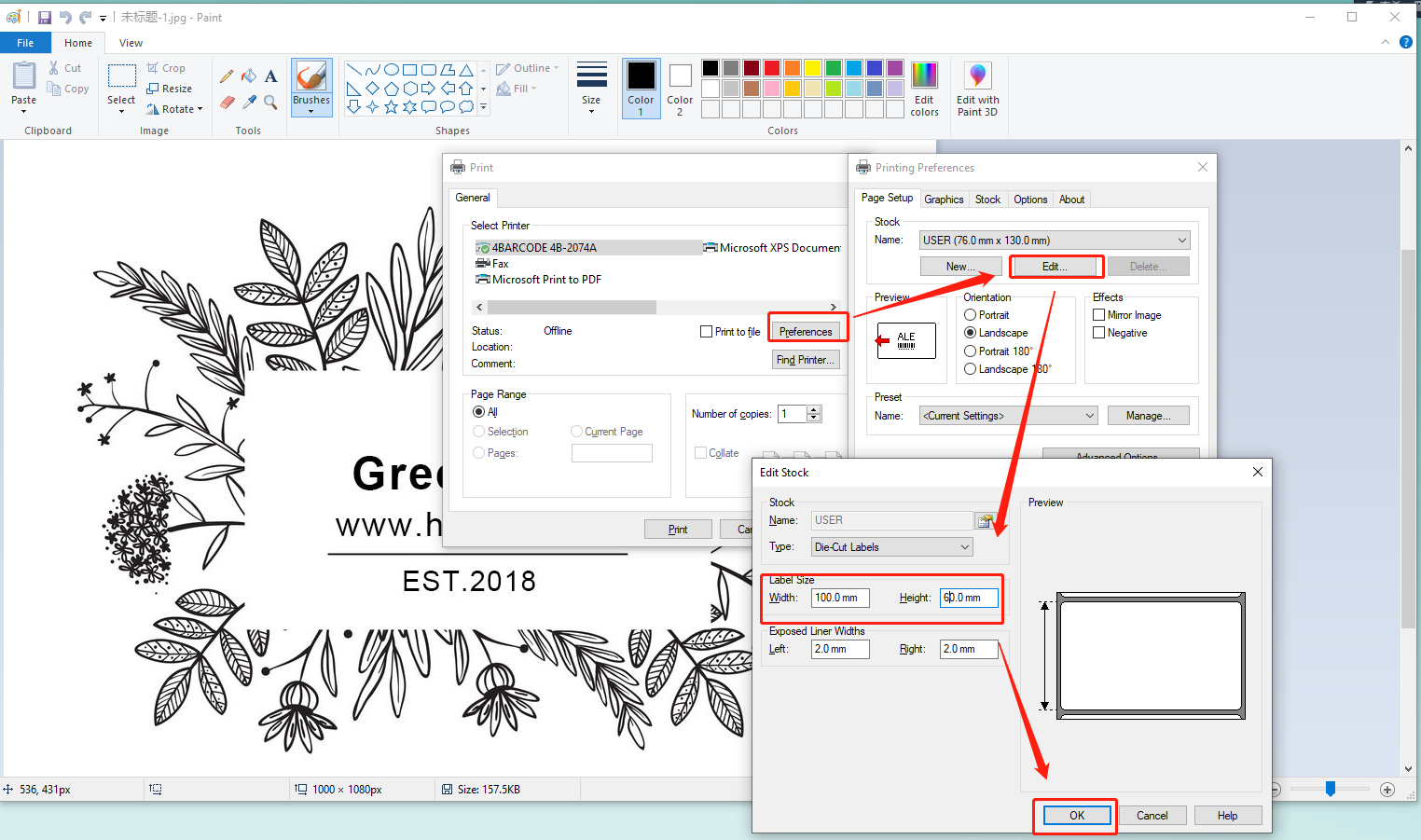
Right-click the image → Open with → Paint, then press Ctrl+P. See Print photos and logos for the best settings.
Printing a PDF label
Open the PDF in Chrome, Edge or Adobe Acrobat Reader instead of the Photos or Reader Store app. Get Acrobat Reader free from adobe.com.
Select your HotLabel printer, paper size 4 × 6 in, scale Fit to page.
Still need help?Live chat 11:30 – 21:00 Mon–Fri (Sydney time) · Email replies within 24 hours · Phone 0478 886 607