
Design your own labels (Canva, OnlineLabels, BarTender)
Make product, address or barcode labels in any size with free tools, then print them on your HotLabel.
HotLabel printers print black and white only, at 203 DPI (S8, M6, M9) or 300 DPI (M9HD, A300). Design in black on white, avoid thin grey text, and export as PDF at your exact label size.
Canva (free, Windows & Mac)
-
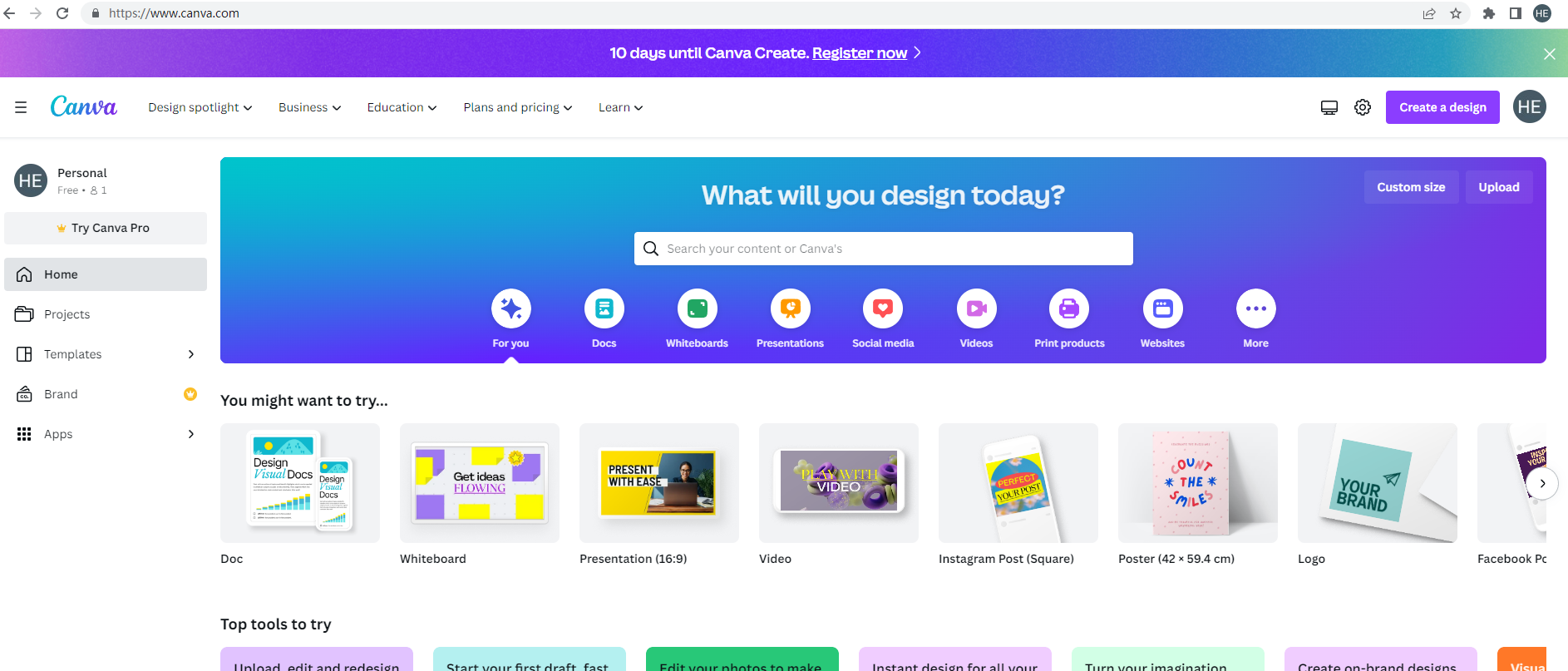
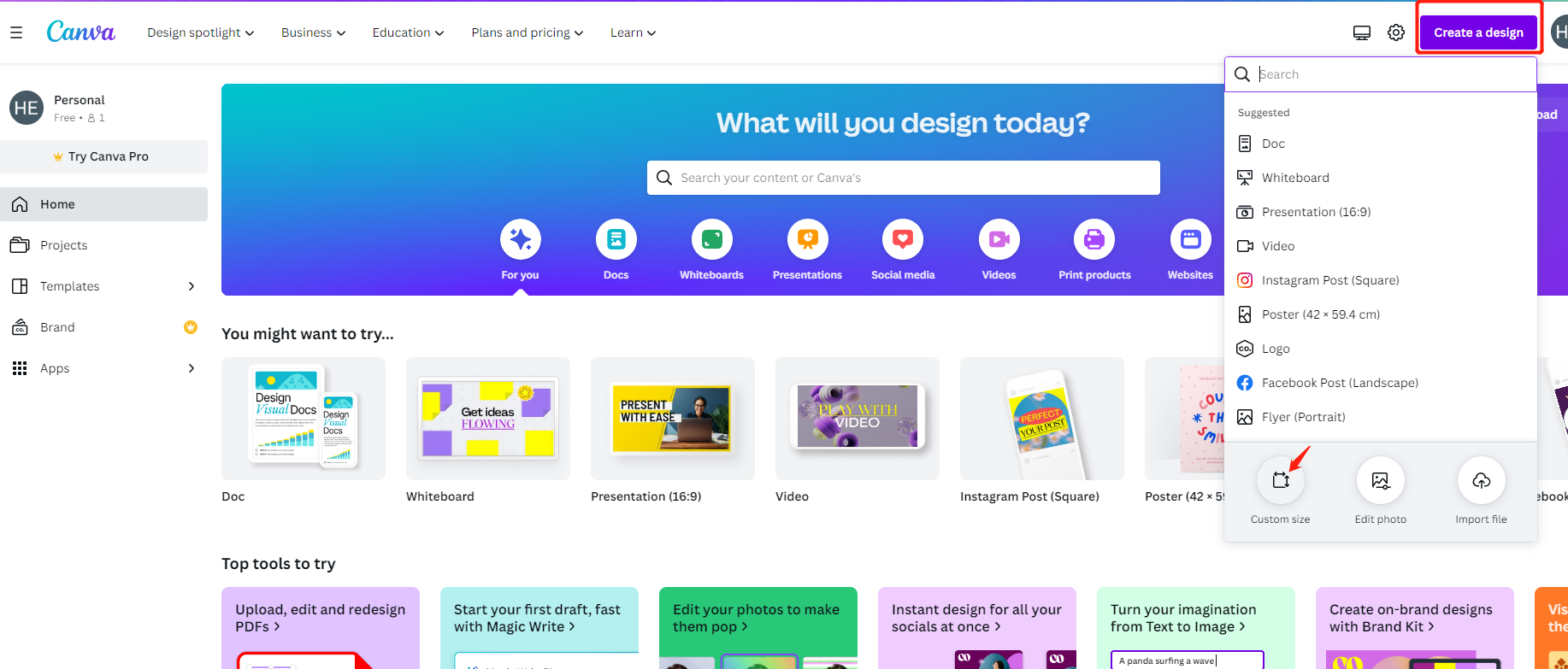
Open canva.com and click Create a design → Custom size.
-
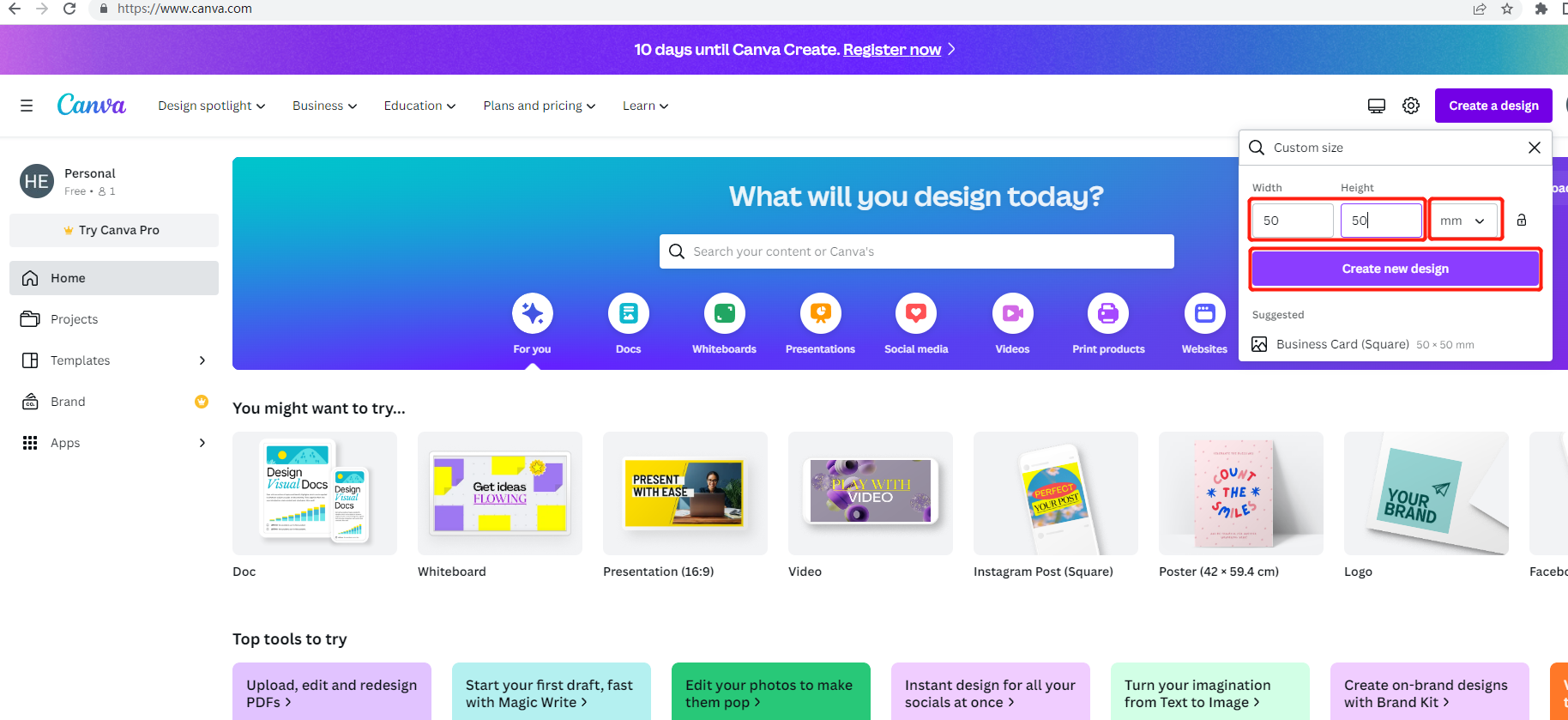
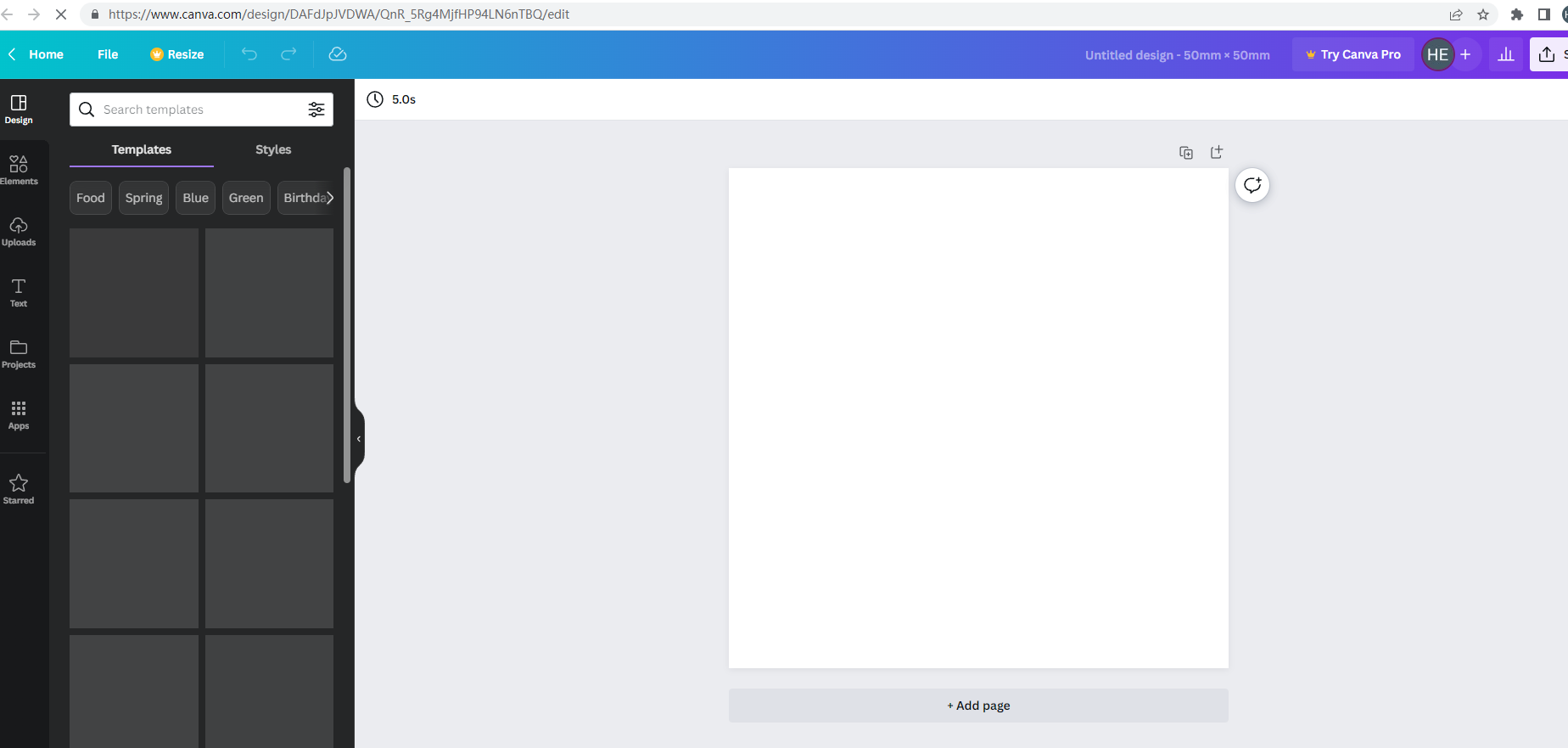
Enter your label size in mm (e.g. 100 × 150 for a shipping label, 60 × 40 for a product label).
-
Add text, shapes, your logo or a barcode (search barcode in Elements, or paste a barcode image).
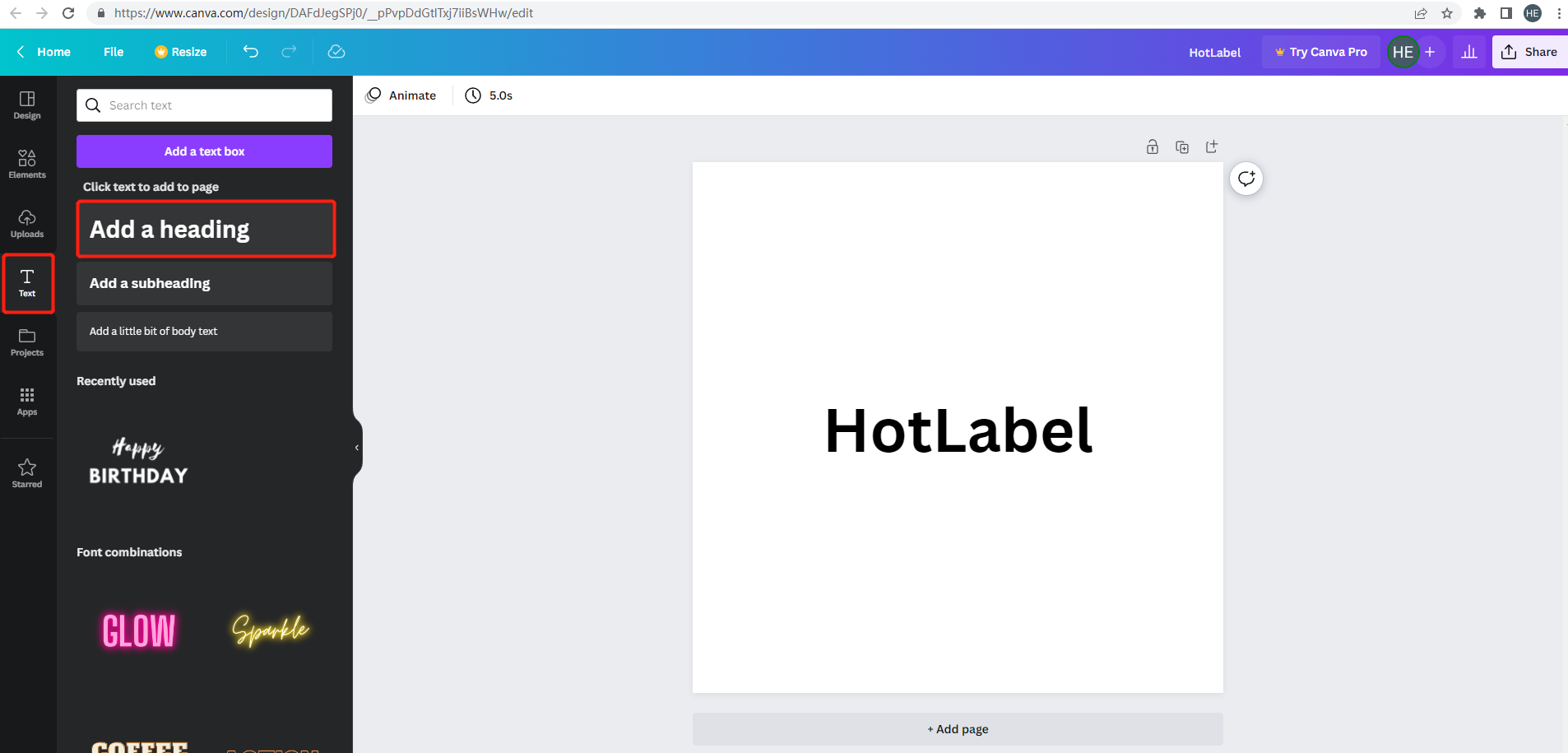
-
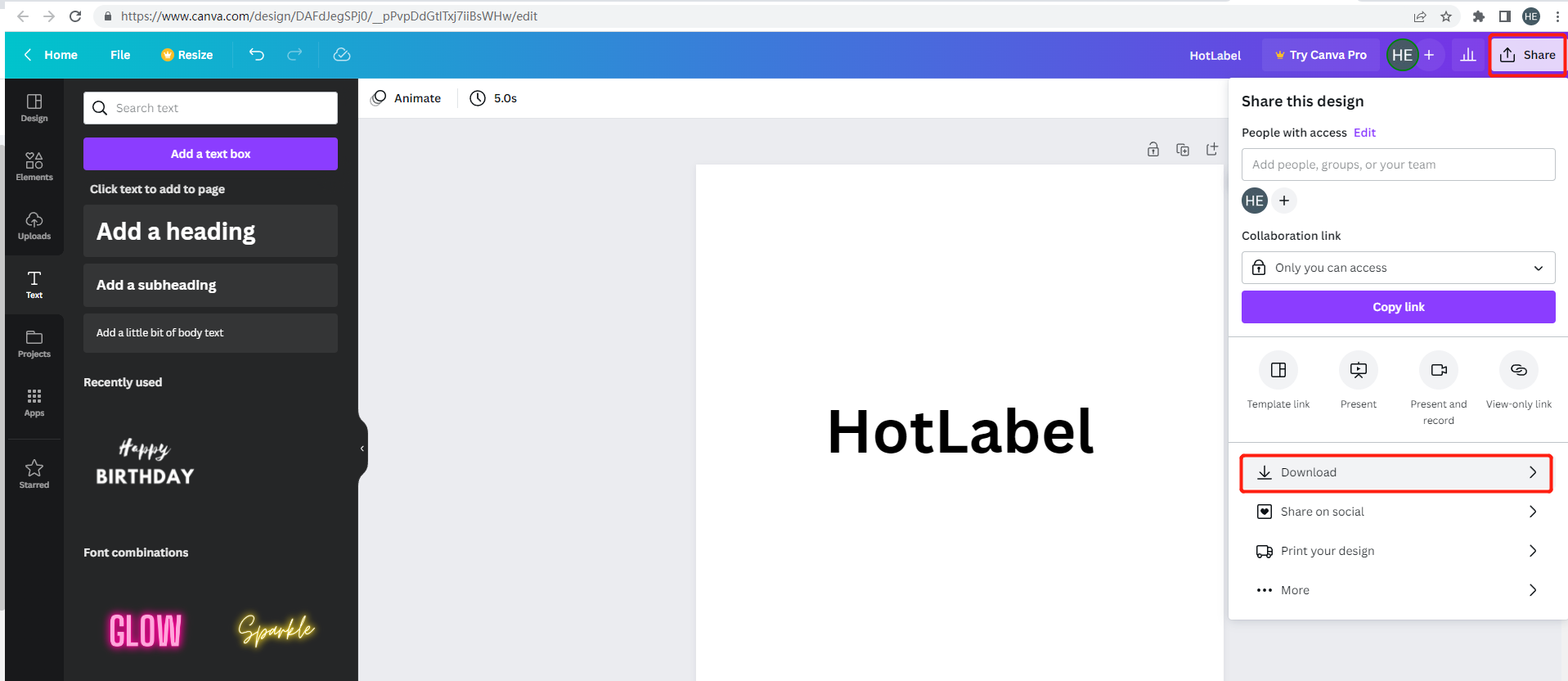
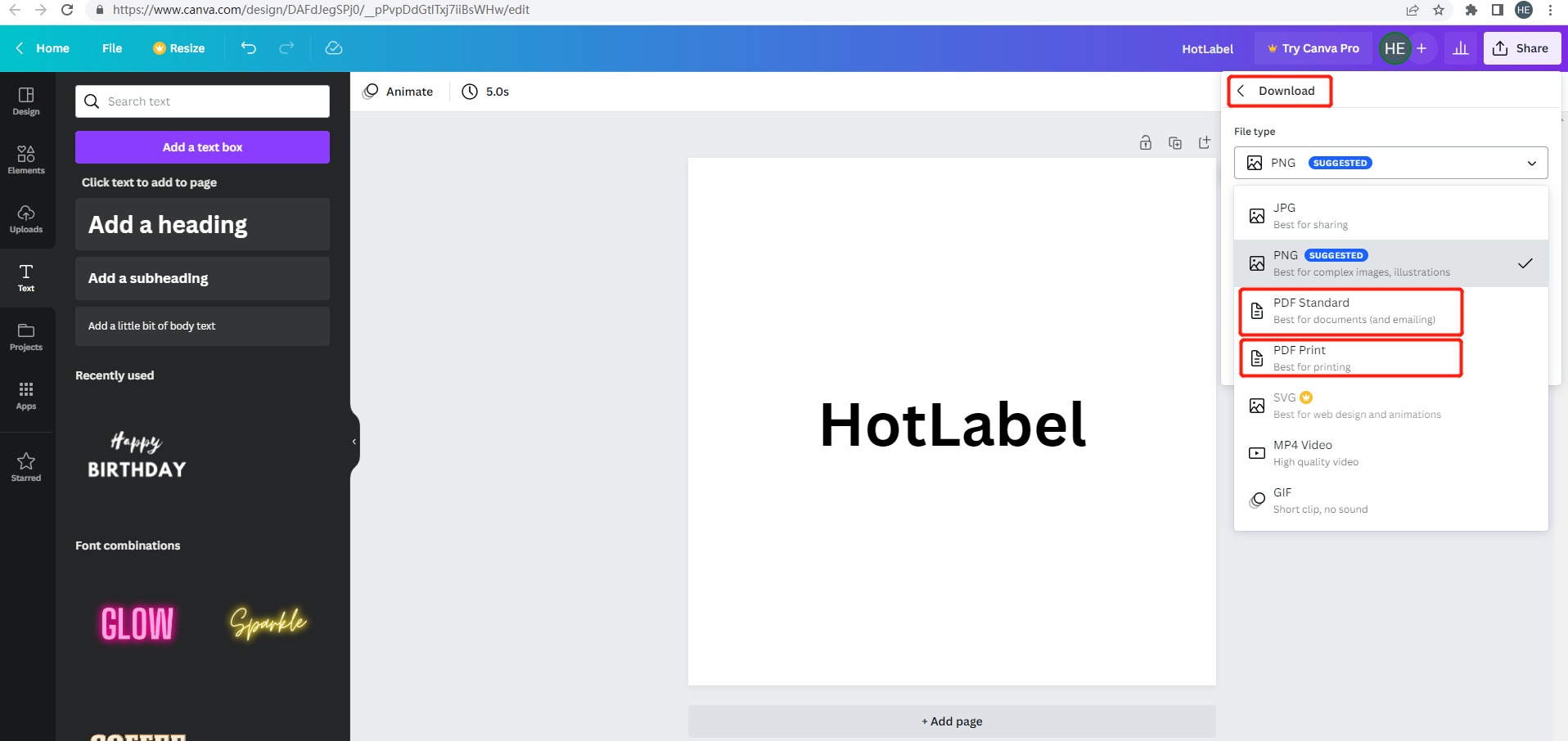
Share → Download → PDF Print.
-
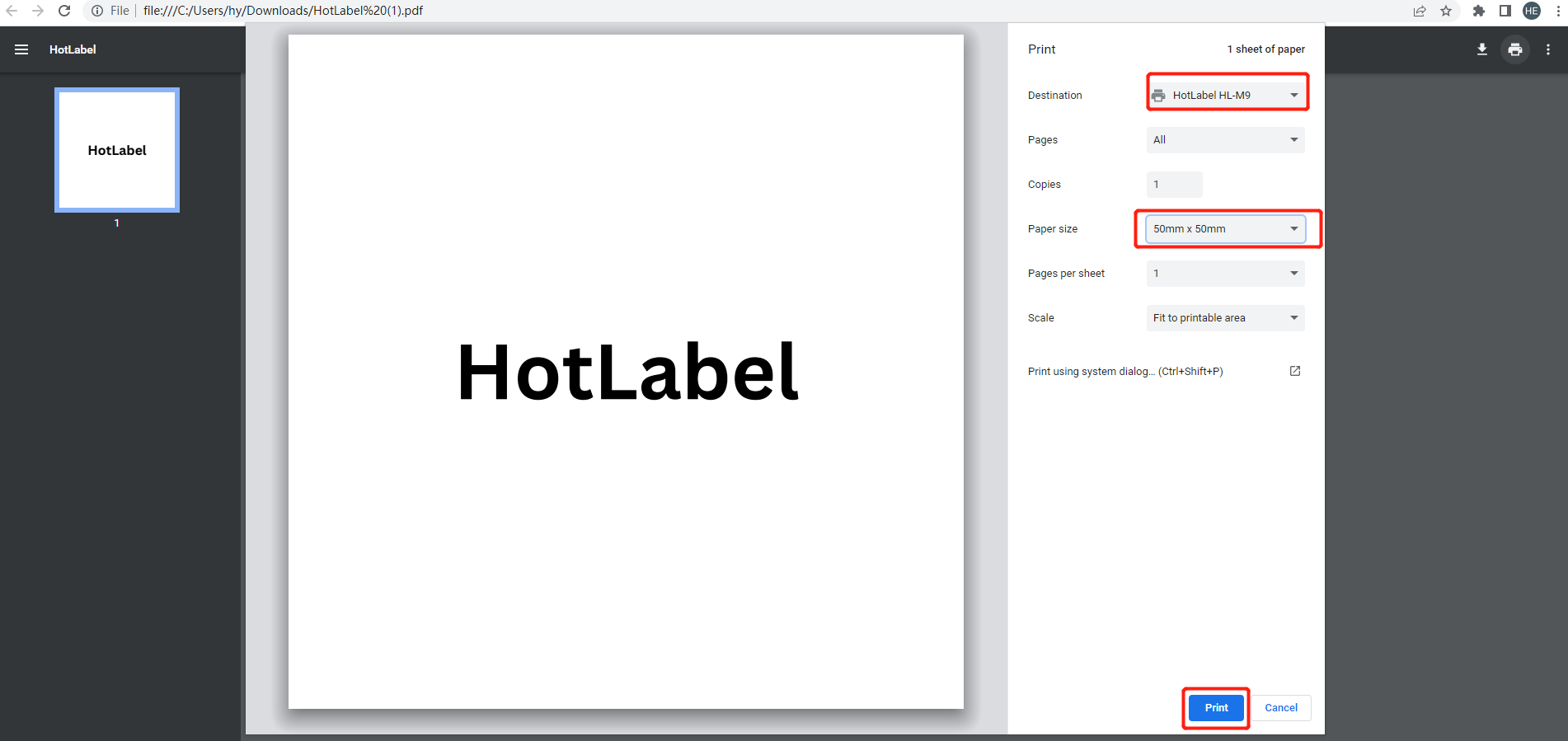
Open the PDF and print with your HotLabel printer, paper size set to the same label size.
OnlineLabels Maestro (free, Windows & Mac)
-
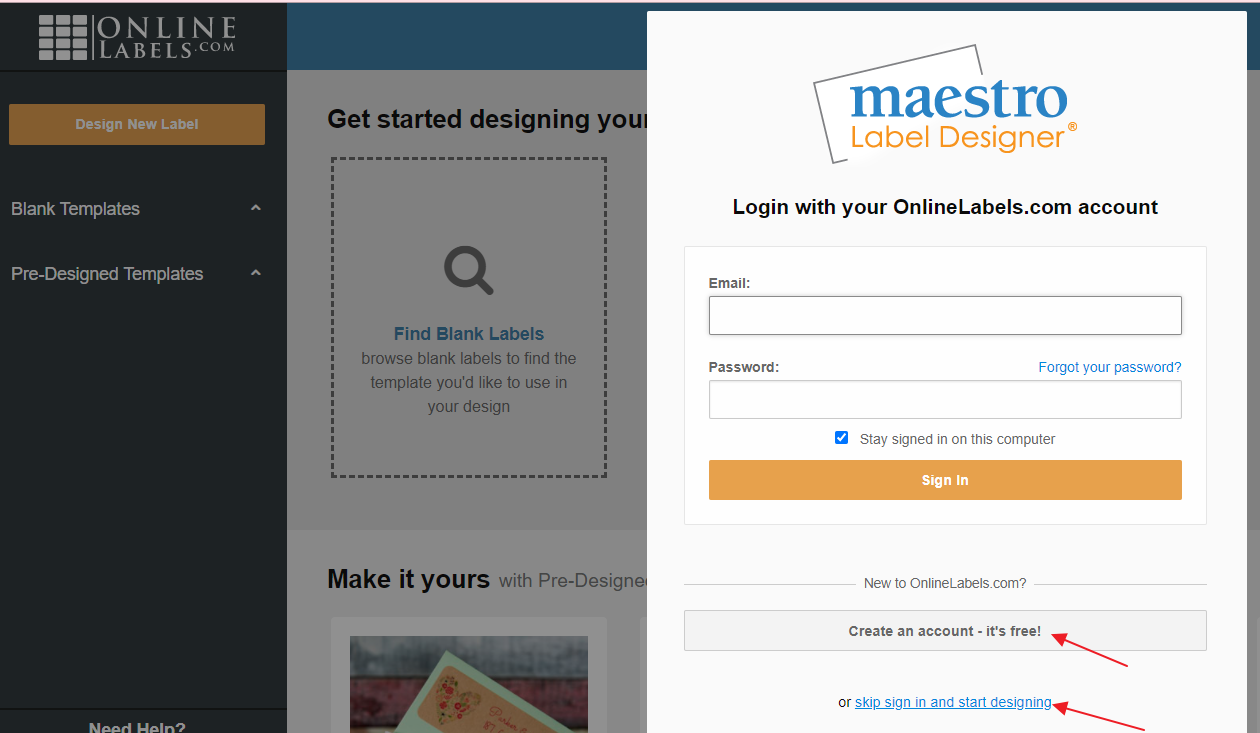
Open maestro.onlinelabels.com — you can skip sign-in.
-
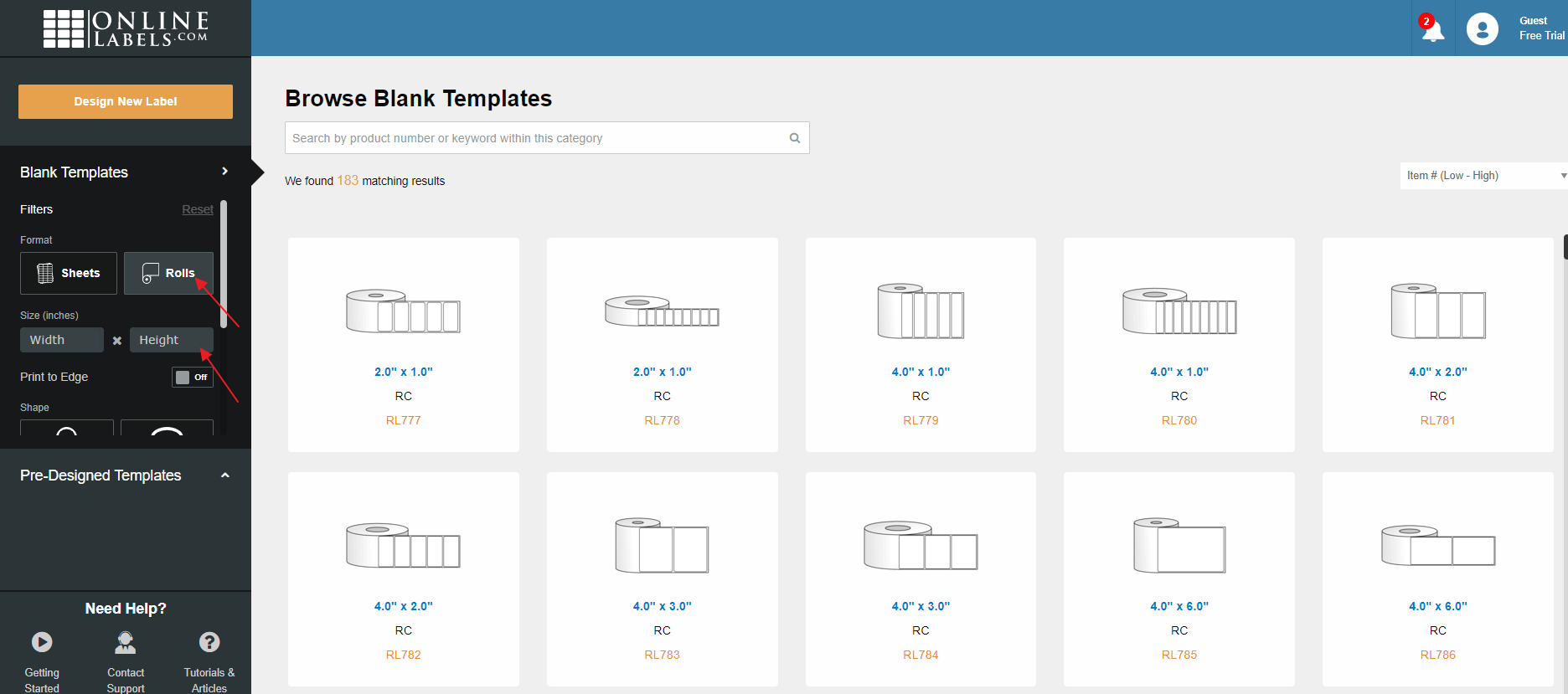
Pick a label size or create your own.
-
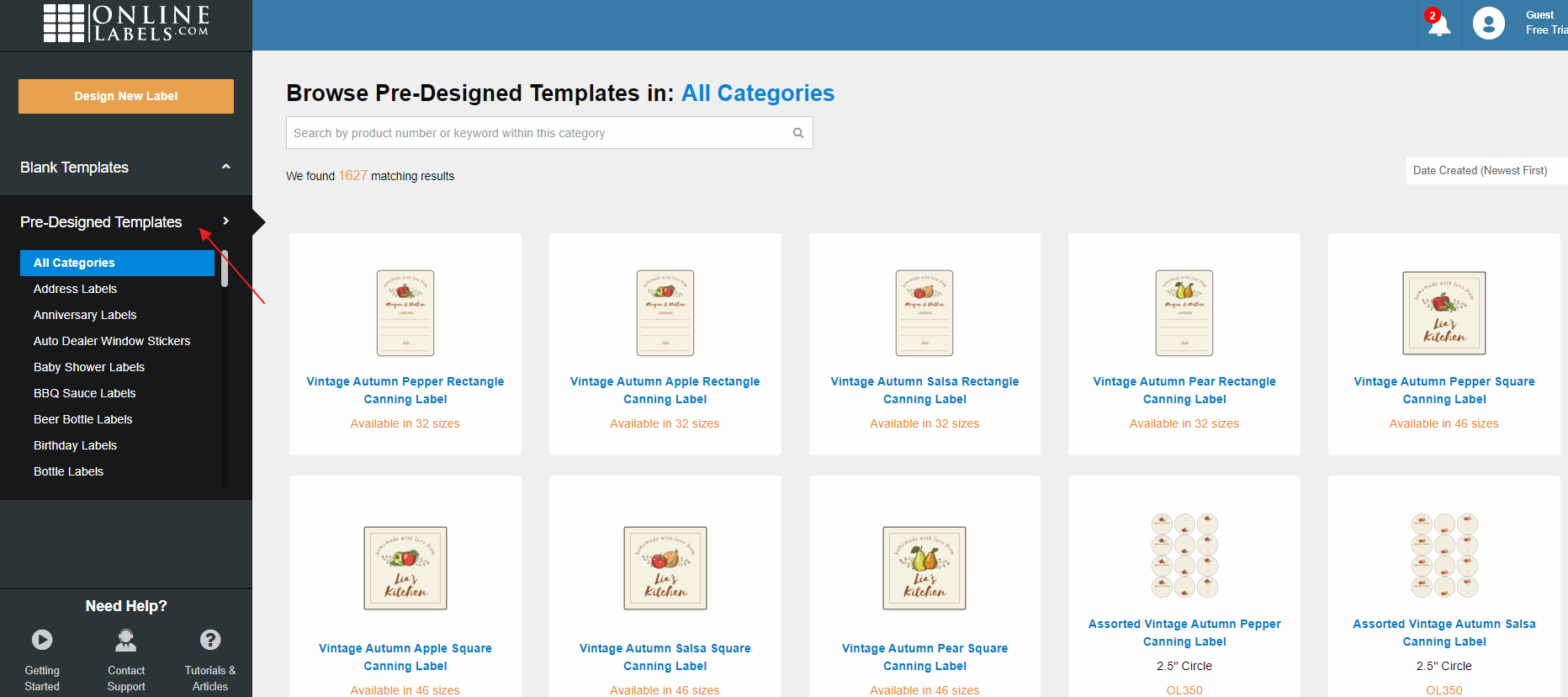
Use a template or start blank, add text, images and barcodes.
-
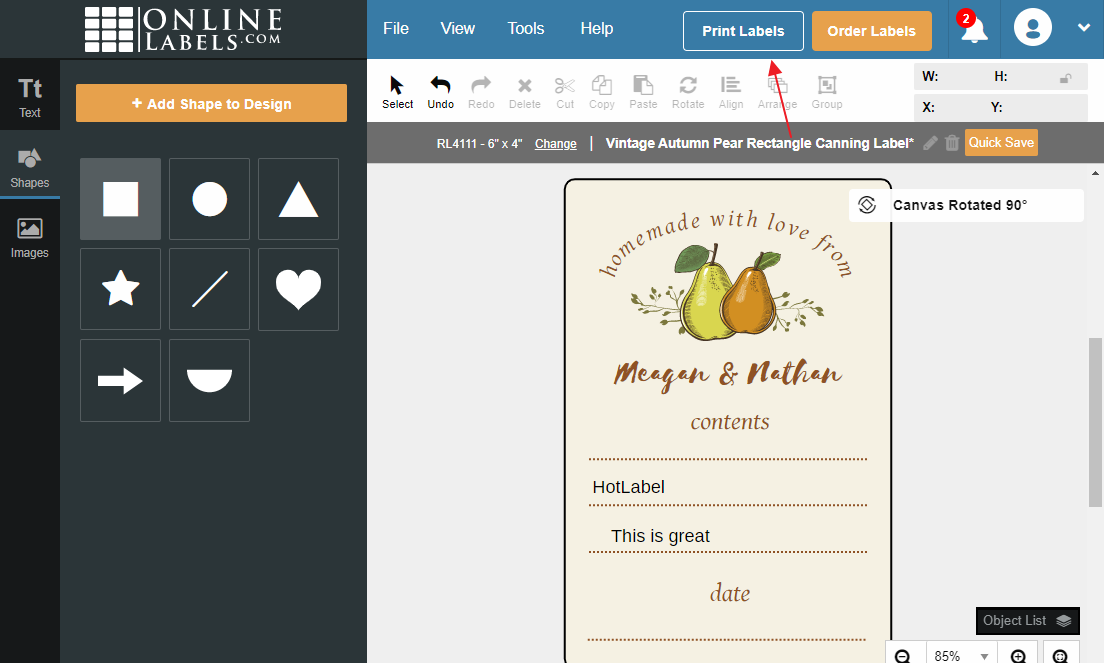
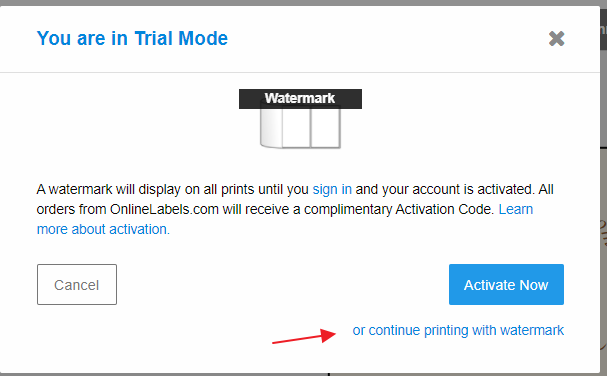
Click Print labels → Continue printing with watermark (no watermark actually prints).
-
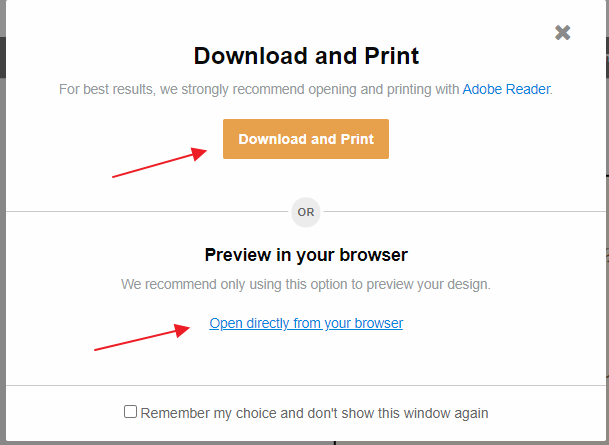
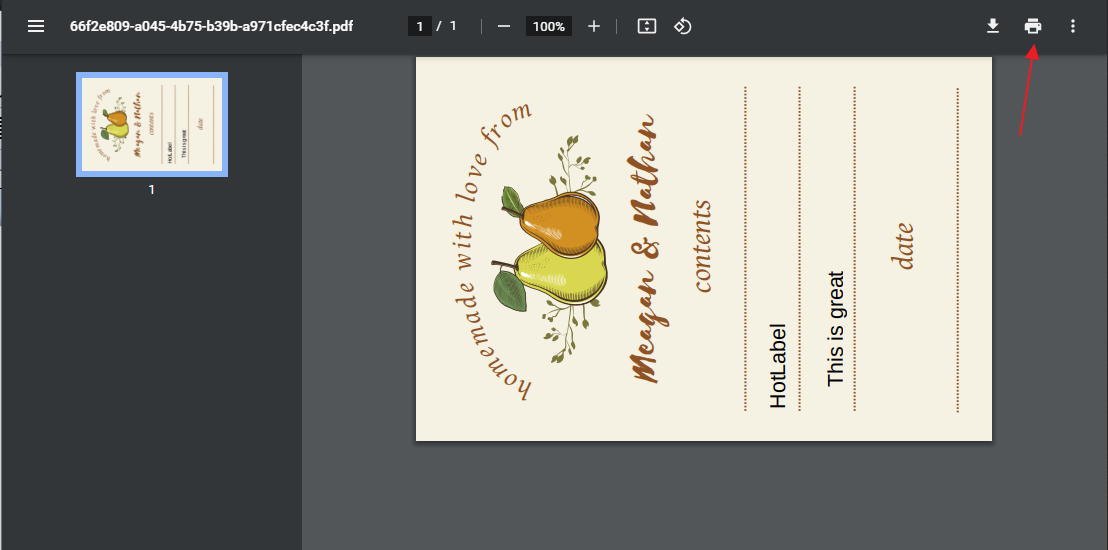
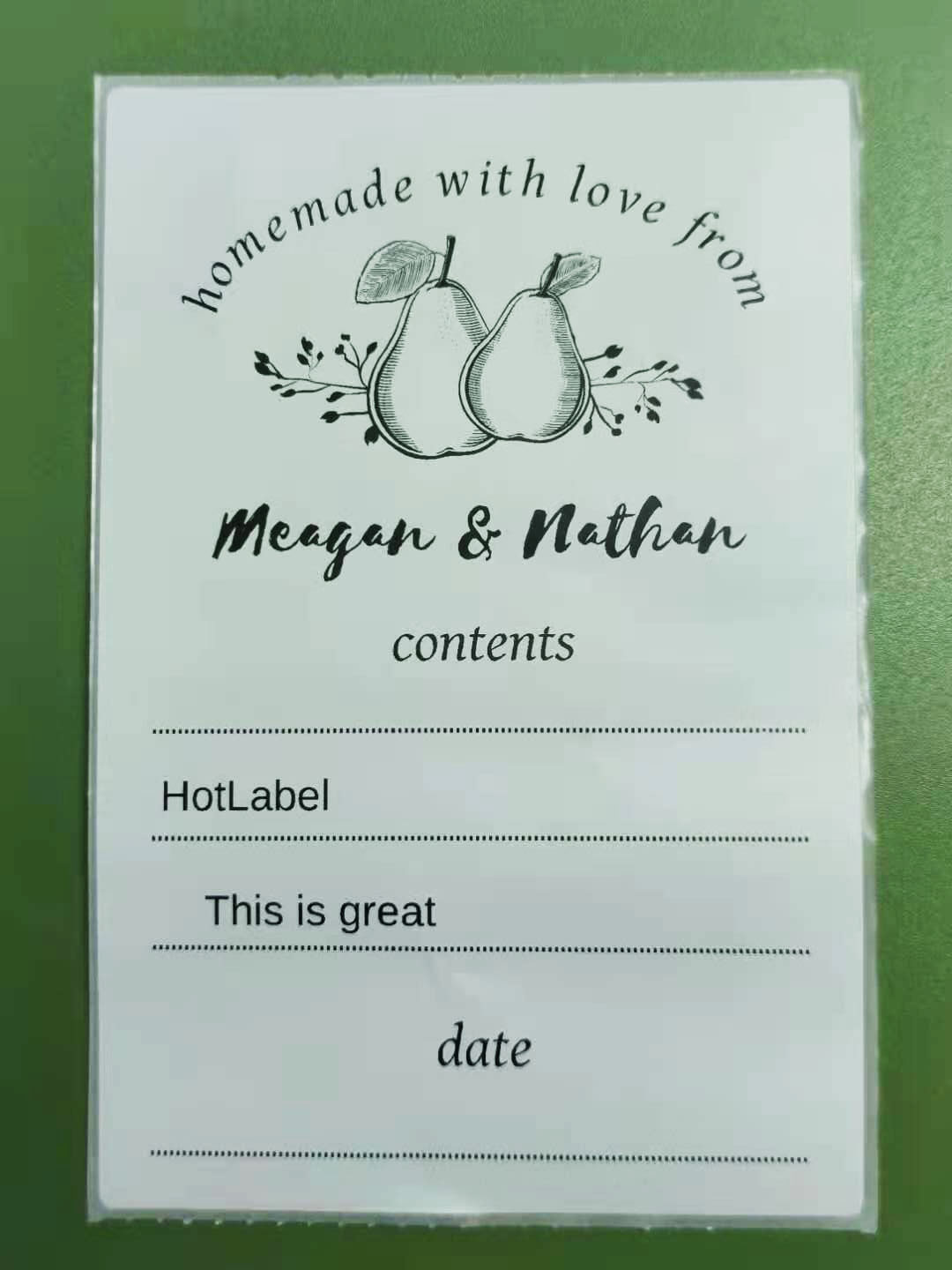
Download or open the PDF and print.
BarTender UltraLite (Windows)
The USB stick in your box includes BarTender UltraLite, a label design program with strong barcode support.
-
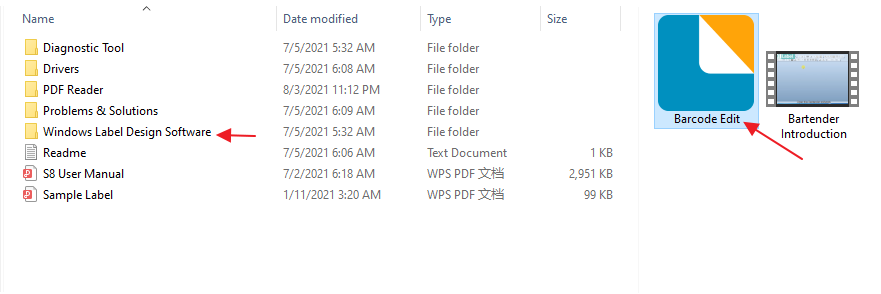
Install BarTender from the USB stick (or download it — 161 MB).
-
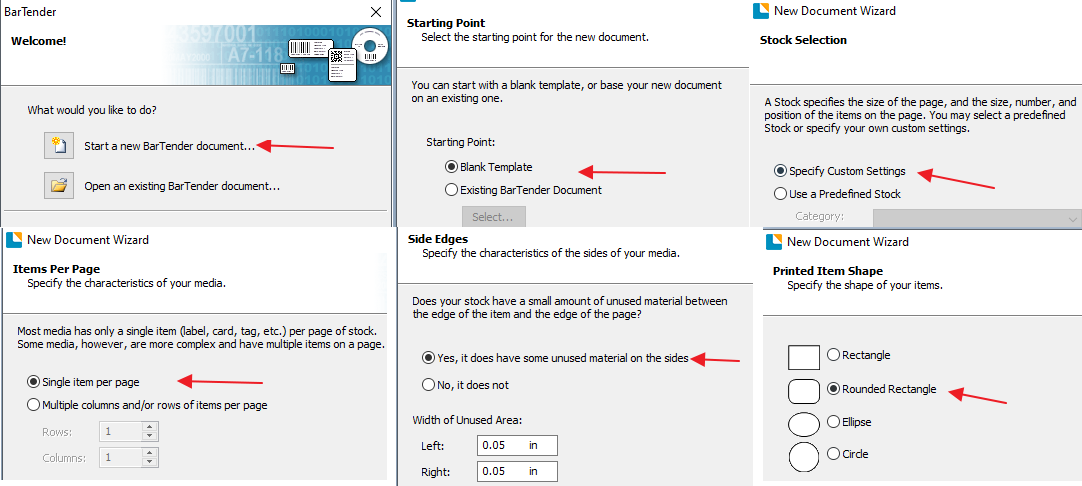
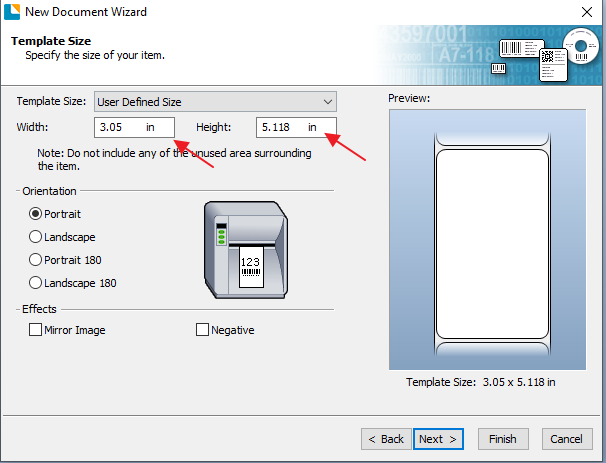
Create a new document and set the label shape and size.
-
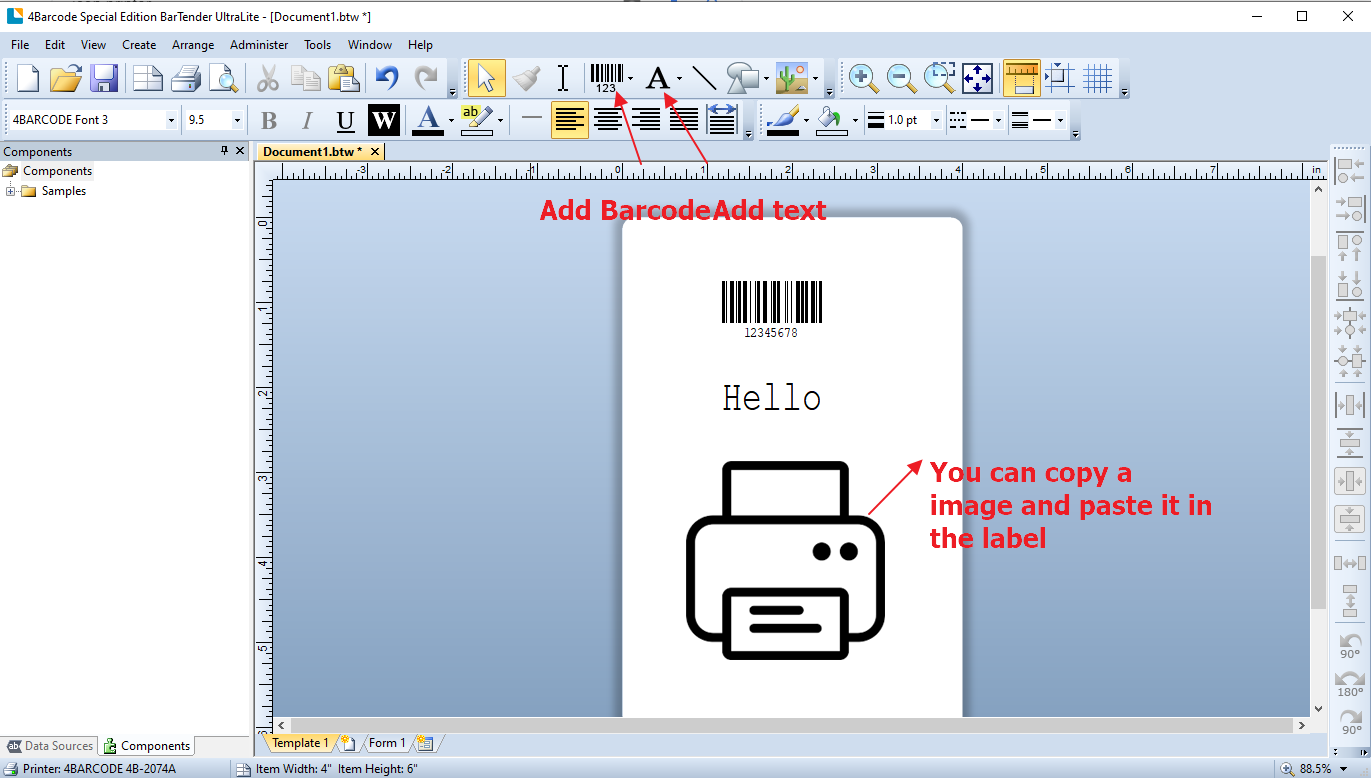
Add barcodes, text and your logo.
Advanced — printing multiple different labels from a list:
Product labels
HotLabel sells rolls from 40 × 30 mm to 100 × 150 mm — see label sizes. Add a matching paper size in your printer settings: Windows · Mac.