
Home › Print from a platform
Canada Post
Create a Canada Post shipment online and print the label at 4 × 6.
Steps
-
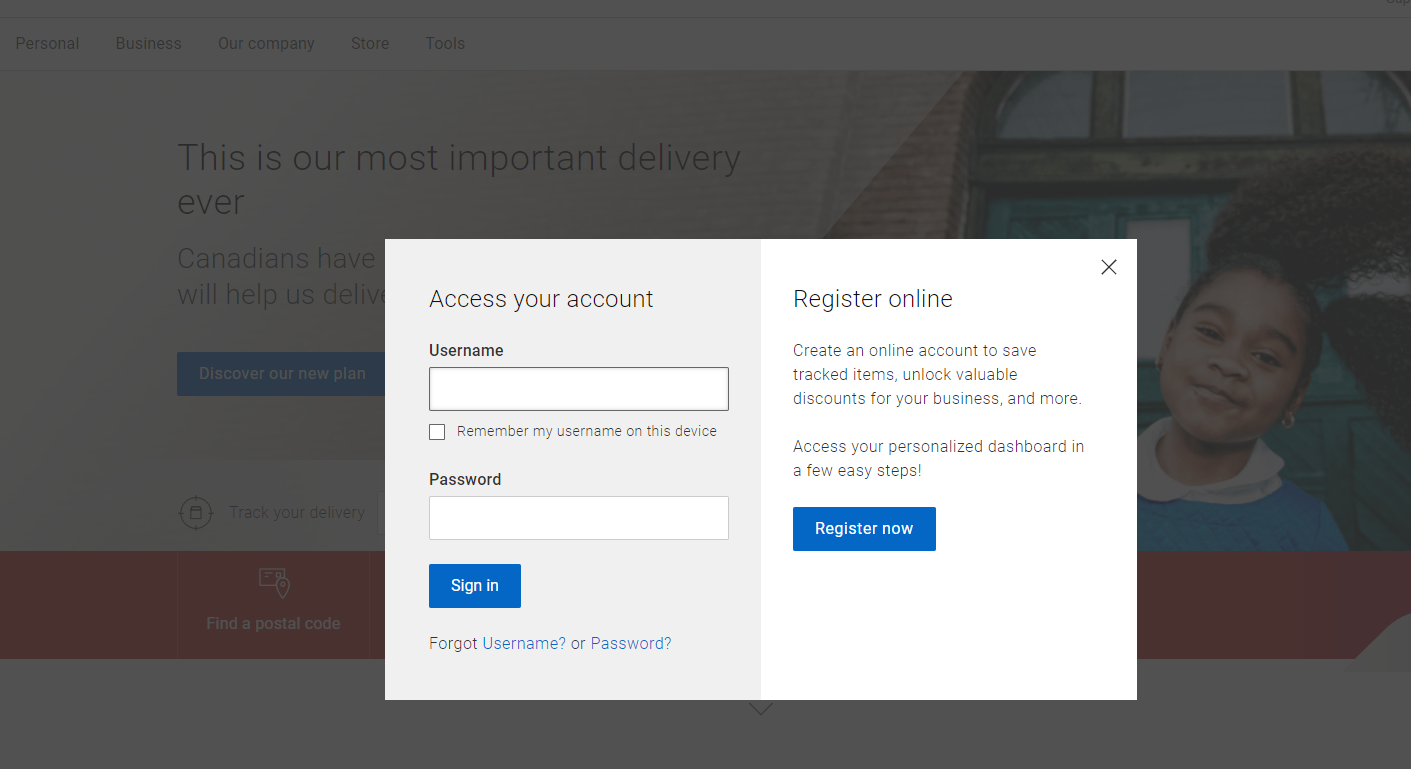
Sign in at Canada Post and open the shipping tool.
-
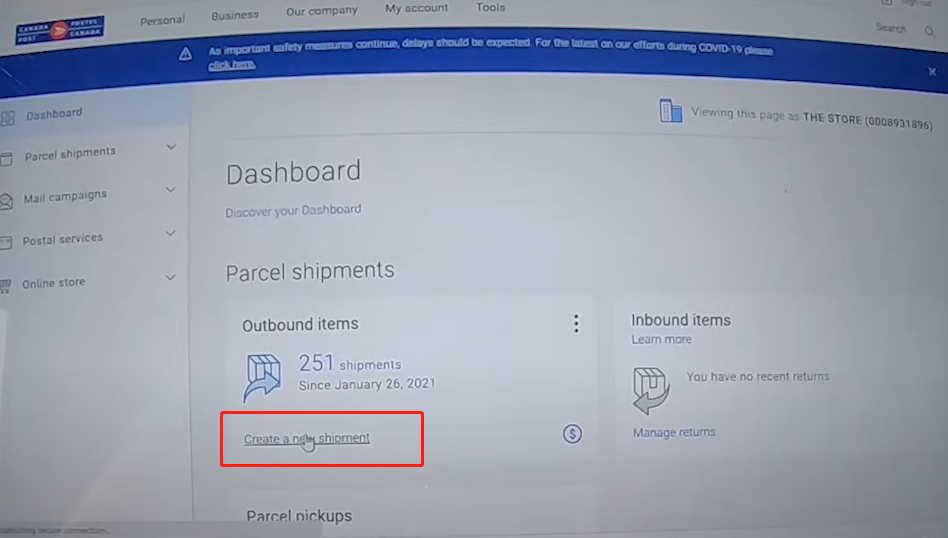
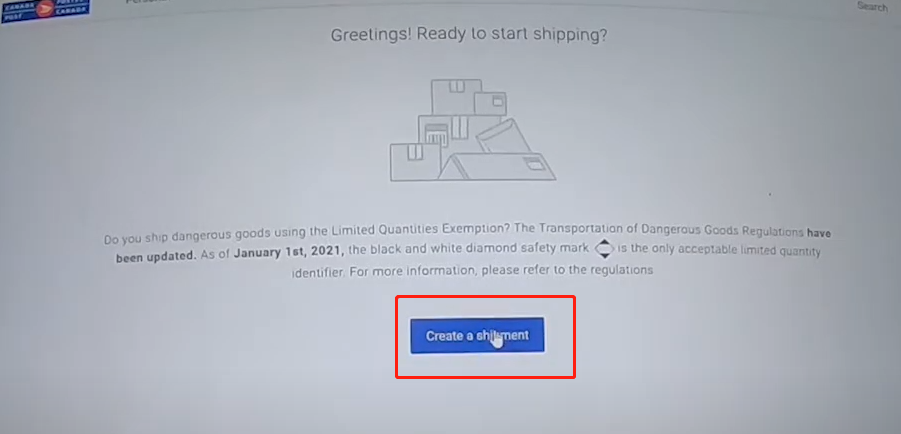
Click Create a new shipment and enter sender and recipient details.
-
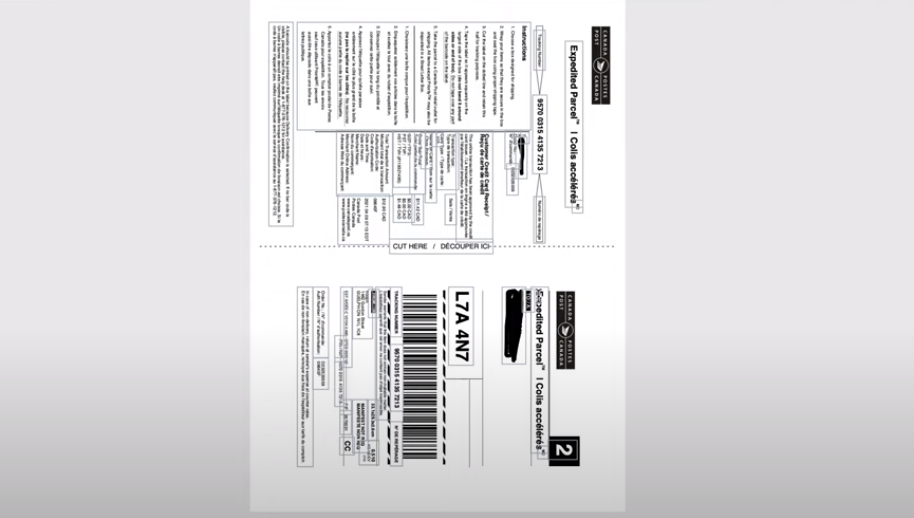
Download the label.
Printing
Canada Post labels download as A4 / Letter PDFs. Crop the PDF to 4 × 6, then print with your HotLabel printer, paper size 4 × 6 in, scale Fit to page.
Video: Print a Canada Post label on 4 × 6 without the packing list
Still need help?Live chat 11:30 – 21:00 Mon–Fri (Sydney time) · Email replies within 24 hours · Phone 0478 886 607